Custom Image T-Shirt - You Pick the Image


Custom Image T-Shirt - You Pick the Image
NerdKungFu
🚚 Free shipping on any order of 4 or more shirts
Description
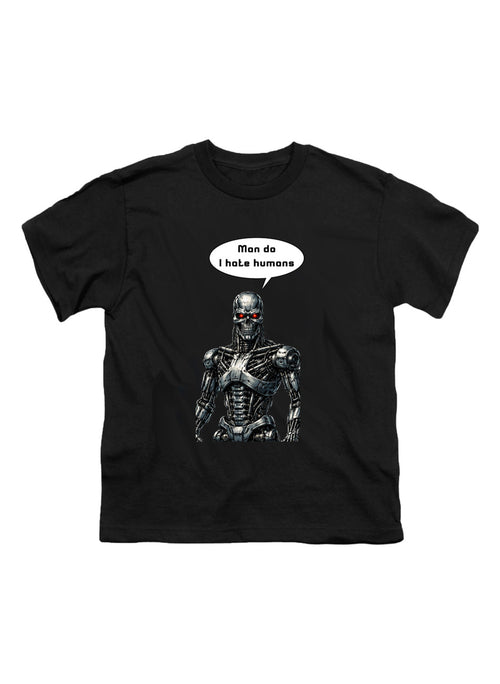
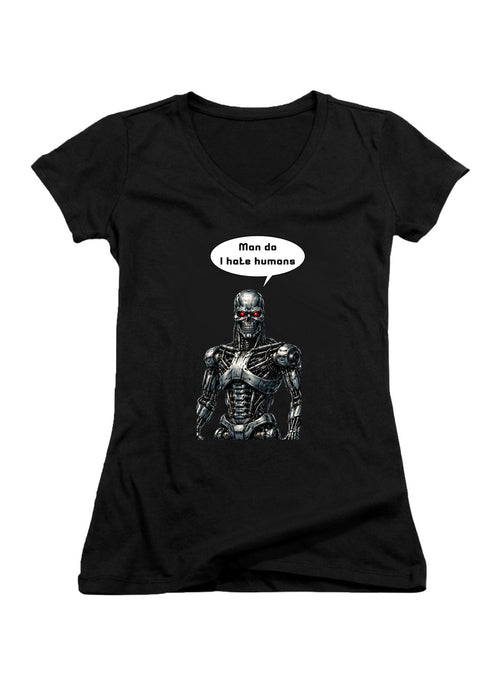
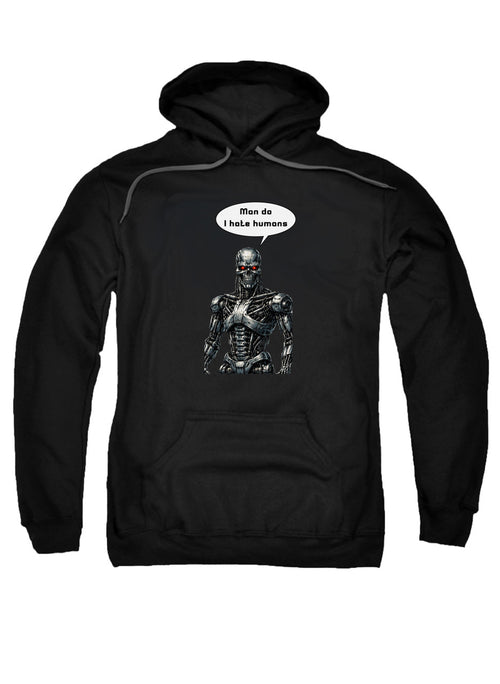
Design a custom graphic T-shirt with any image you want and turn a favorite photo, meme, logo, pet pic, or original artwork into an easy everyday tee. This personalized style is simple, affordable, and made to help your image look great on a classic unisex shirt.
Custom Image T-Shirt - You Pick the Image - Upload any image and we will print it on the shirt! Images can be 9 inches by 12 inches max size on the shirt.
Download our custom photoshop template if you want and make sure your image fits within the template and then upload a png file or just directly upload any type of image file of your choice! JPEG, PNG, TIFF, GIF - you name it, we will print it on your shirt!
Custom T-Shirt Photoshop Template
Features
- Available in Unisex Short Sleeve
- T-Shirt 100% Preshrunk Cotton (Heather grey 60% cotton/40% polyester)
- Assorted colors
- Cheap as hell
Whether you want a one-off gift, a funny photo tee, or a wearable memory, this custom shirt makes it easy to create something personal. It's a great pick for birthdays, events, inside jokes, fan art, family photos, and everyday pop culture t shirts from Nerd Kung Fu.

In the fast-moving world of fashion, a custom tee stands out because it is personal. The humble T-shirt is already a wardrobe staple, but adding your own image turns it into something memorable, expressive, and one of a kind. For the best print results, a little photo prep goes a long way.
- If you want to take a photo of one person, make sure your camera or smartphone is at the right angle to capture the image in a vertical format. This is the ideal composition for portraits anyway. The front of a T-shirt is rectangular and it is longer than its width, so a vertical photo of a loved one works well on a custom T-shirt. On the other hand, using a horizontal format is the best way to photograph a large group of friends, a car, or the landscape of a favorite holiday location.
- Regardless of what you are photographing, get close to your subject. Zoom in so you don’t see lots of empty space around the person or the object that you have on the smartphone’s screen, or in the viewfinder of a camera. You want your subject to be as large as possible when printed on the T-shirt.
- When setting up your subject for a photograph, make sure there is nothing distracting in the background. A cute photo of a grandchild is easily spoiled by having a rubbish bin or a stranger’s face in the scene behind them. Move your subject or yourself until there is a plain background for your shot.
- Good lighting is essential in any photograph, so make sure you have consistent lighting across your subject. For example, if taking a photo of a family group, don’t have half of them standing in bright sunlight and the other half covered by shadows. One side will be too bright and you’ll hardly see the rest of the family who are lost in the dark. Avoid backlit situations too, or your subject may end up as a silhouette. Unless your lens is really clean, shooting into the sun also has the unfortunate result of haziness that makes your subject hard to see.
- If you are taking a photo of a person for your custom shirt, ask them to wear bright colors so they stand out against the background. This will help them to be more eye-catching on your T-shirt.
- Remember to set your camera or smartphone to high resolution images to avoid pixilation. A high resolution photo provides a more detailed image for your custom shirt.
Customized shirts are the perfect way to express yourself. Put your favorite people, pet, scenery, or artwork on the front of your tee and show off what matters to you. A clear, colorful image creates a stronger finished look, so taking a little extra time before you upload can make a big difference.